Add social icons
Show your social profiles as icons under your bio and choose their order.
Updated Nov 21, 20262 min3 steps
Supported platforms: X, LinkedIn, Facebook, Instagram, YouTube, TikTok, GitHub, Substack, Threads and Nostr.
Steps
1
Open Social Links
Select Social Links in the menu.
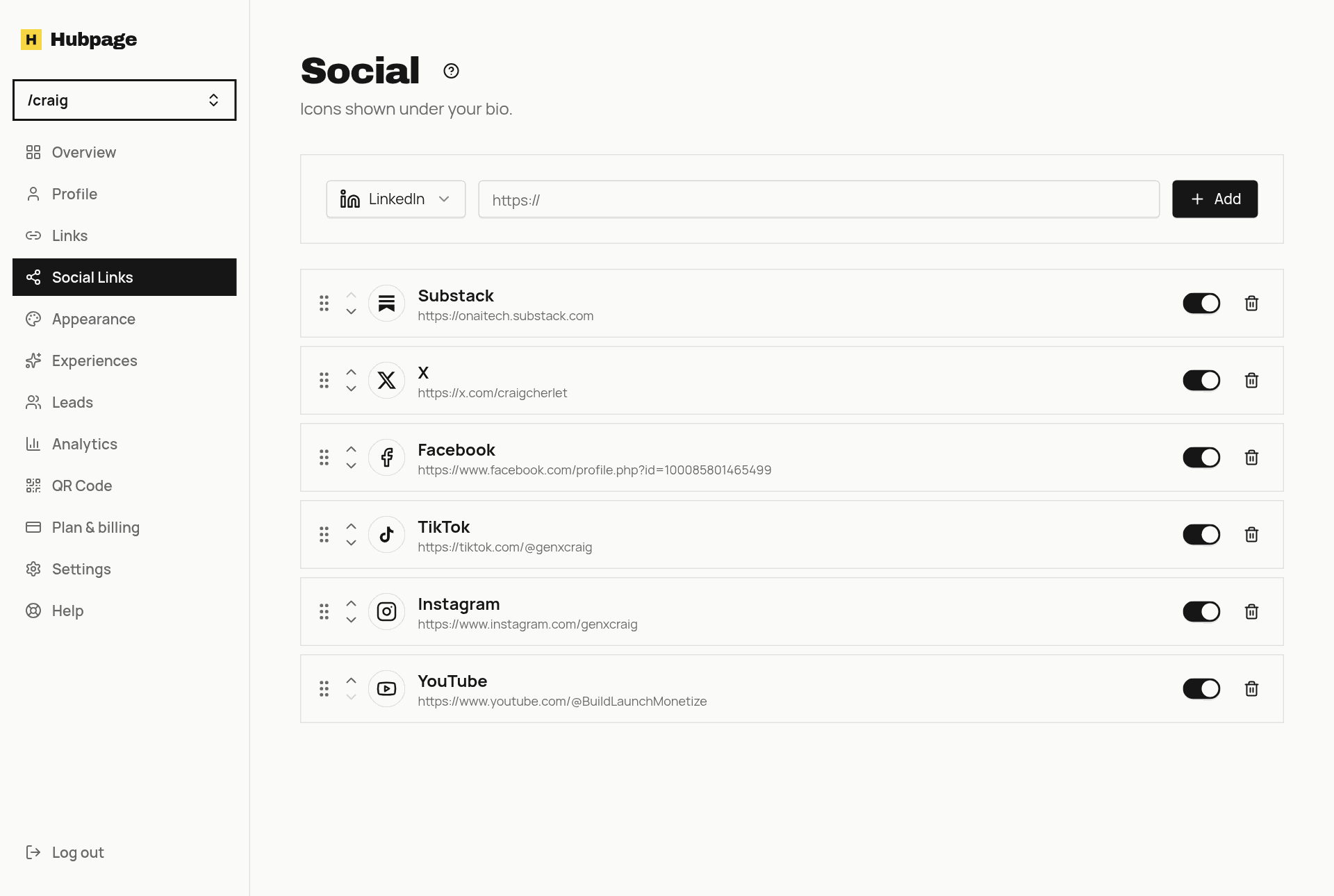
Where: Dashboard → Social Links
2
Pick a platform and paste your profile URL
Choose the platform from the list, paste the full address of your profile and select Add. For Nostr you can paste your npub key.
Where: Social → Add
3
Order and toggle
Drag icons into the order you want. Use the switch to hide one temporarily, or the bin to remove it.
Where: Social list
Was this page helpful?