Share an experience on social
Post a published experience to X, LinkedIn, Facebook or WhatsApp with a ready-written caption and tracked link.
Each published experience has its own page and link preview image. The share window writes the post for you and tags the link per platform, so Analytics shows which one brought visitors.
Steps
Open the share window
On My Experiences, select the share icon (Share to social) on a published experience.
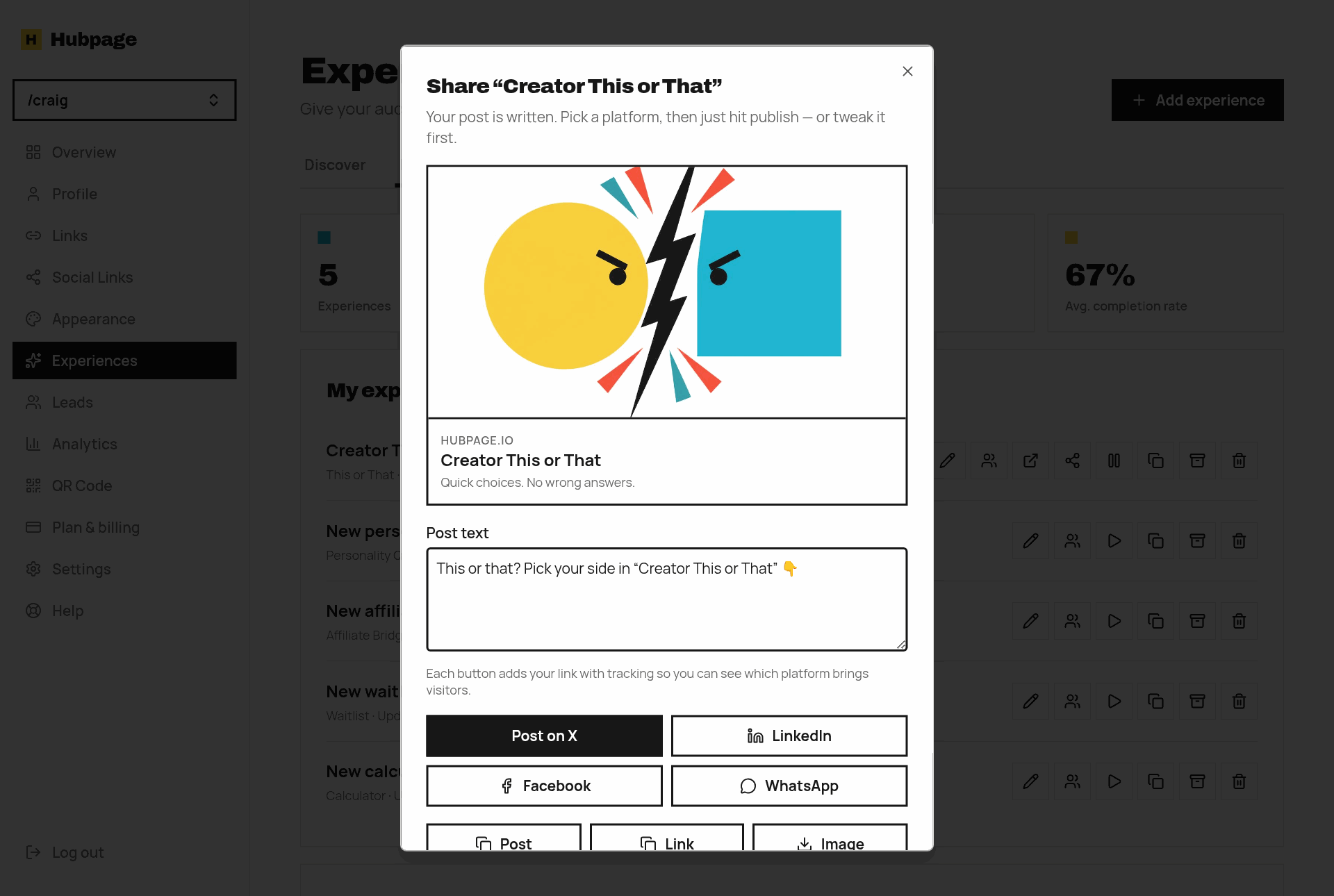
Where: My Experiences → Share to social
Edit the post text
Tweak the suggested caption if you like.
Where: Share → Post text
Post
Select Post on X, LinkedIn, Facebook or WhatsApp. For LinkedIn and Facebook the text is copied for you to paste. On a phone, More apps opens Threads, Instagram, Messages and others.
Where: Share → platform buttons
Instagram and TikTok
Select Image to download the cover, Post to copy the caption with link, and add the link to your bio or story.
Where: Share → Image / Post / Link
Was this page helpful?