Hubpage

Hubpage for salons & beauty professionals

Link in bio for salons & beauty professionals

Someone loves the look you just posted. Now they need to know which service to choose, what it costs, and how to book. Put those destinations together so your social bio leads to appointment information, not another round of searching.

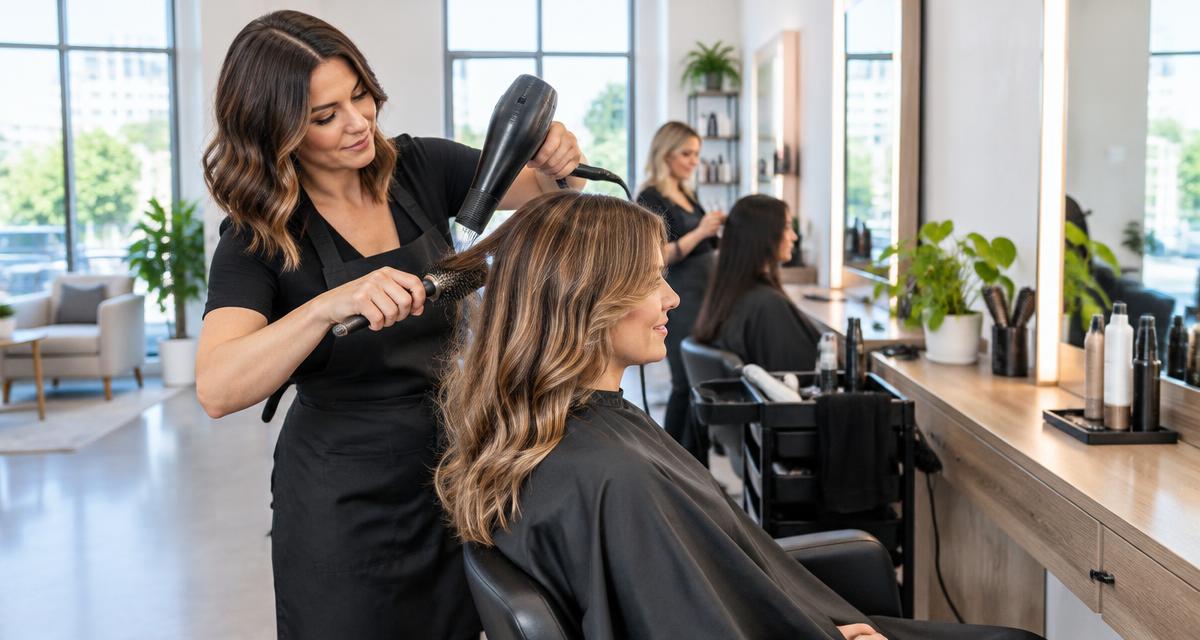
Illustrative hairstylist working with a client in a salon
Illustrative image, not a customer endorsement.

“Love this look” is not yet an appointment.

A hair transformation or beauty post can prompt interest, but the visitor may not know the service name, your location, or whether they need a consultation first. A bare booking link can skip the information they need to make a decision.

The look and the service have different names.

A visitor may not know which appointment type produces the result in your post.

With Hubpage: Group service-menu and consultation links beside your appointment destination. Use labels that match your actual service descriptions.

Prices and practical details are scattered.

Customers may need to search highlights or DMs for pricing, location and appointment policies.

With Hubpage: Create a Before your visit category for your price menu, location, preparation and policies. Link to current information on your existing site.

Interest goes into a DM instead of your booking process.

Social messages can leave customers waiting for the link or information they need.

With Hubpage: Feature your existing appointment link and keep new-client consultation instructions visible. Bookings and availability remain in your salon scheduling service.
THE PAGE PLAN

Give every link a job.

Suggested structure for The Corner Studio, hair & beauty studio · your neighbourhood. This is a fictional example, not a live profile or customer result.

Primary destination

See services & book an appointment

Point to a destination that explains appointment types before booking. If consultations are required for certain services, give them a separate, clearly labelled link.

Your next appointment

  • See services & book an appointment
  • New-client consultation
  • Service menu & prices

Before your visit

  • Find the studio
  • Preparation & appointment policies

Get inspired

  • Recent work shared with permission
  • Aftercare resources

From a social post to a useful next step

  1. 01

    From a transformation post

    A visitor sees a style they like and opens your Hubpage.

  2. 02

    To the right service

    They read your service menu, pricing and consultation guidance at the linked destinations.

  3. 03

    To an appointment request

    Your scheduling service handles the booking. Hubpage does not manage calendars, deposits or reminders.

Stay connected—with consent

Invite clients to opt in to service announcements or seasonal offers. Make clear what they will receive; having an appointment is not consent to marketing. Use client images only with permission.

Hubpage email capture and subscriber export require eligible paid access. The form includes explicit consent and unsubscribe. Email campaigns and CRM automation are not included.

Measure the next step, not just the likes

Compare service-menu and appointment-link clicks. Check completed bookings in your scheduling service rather than counting a click as an appointment.

Page views and link clicks are signals, not proof of leads or sales. Analytics and interactive formats vary by plan.

Check current plans and availability

Set up your professional Hubpage

  1. 1

    Introduce your studio, location and services. Use a header image and client work you have permission to share.

  2. 2

    Add your service menu, booking destination and consultation instructions, then group practical visit information.

  3. 3

    Share your address in social bios and use a QR code on in-studio materials. Update prices and booking links when they change.

Start with a free account. Choose a ready-made look, group links into categories and share your public page. Bookings, payments and industry-specific services stay at your linked destinations.

Questions from salons & beauty professionals

Can Hubpage manage salon appointments?

No. Link to the scheduling service you already use. That service manages availability, bookings, reminders and deposits.

Can I show prices and policies?

Link to your current price menu and appointment policies under clear category headings. Hubpage does not automatically synchronize them with salon software.

Can different team members have separate links?

You can organize links by stylist or service where useful. Hubpage does not provide staff scheduling or salon team-management tools.

Can I send promotions to clients?

Eligible paid plans let you collect consent-based subscribers and export the list. Send through your chosen email service, and do not automatically subscribe appointment customers.

Explore Hubpage for other professionals