Add a signup form to your page
Turn on the page signup form, write its heading and button, and choose where it appears.
The signup form is a simple subscribe box on your public page. Visitors must tick a consent box to join. Subscribers appear in Capture & sync with status, source and sync details.
Steps
Open Capture & sync
Select Leads, then the Capture & sync tab.
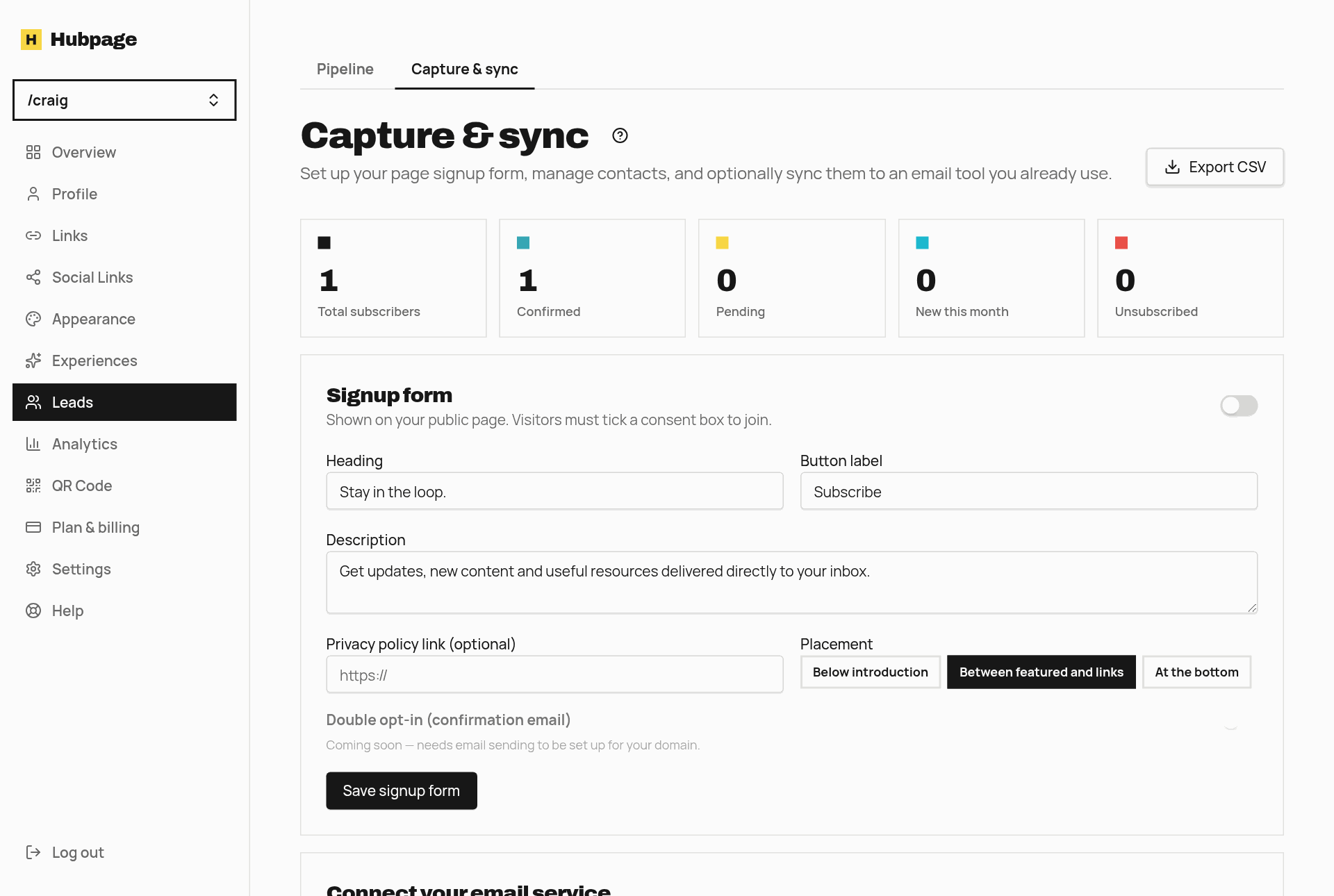
Where: Leads → Capture & sync
Turn it on and write it
Switch on Signup form. Set the Heading, Button label and Description, and add your Privacy policy link if you have one.
Where: Signup form
Choose placement
Pick Below introduction, Between featured and links or At the bottom, then select Save signup form.
Where: Signup form → Placement
Manage subscribers
The list below shows every subscriber. Filter by status (confirmed, pending, unsubscribed) or source. Open one to Unsubscribe them (a suppressed record is kept so they are not emailed by mistake) or Remove them completely.
Double opt-in (a confirmation email) is coming soon.
Where: Capture & sync → subscriber list
Was this page helpful?