Create your account and go live
Claim your username, confirm your email and add your first link so your page goes live.
Your username is your public address: hubpage.io/yourname. It must be 3–30 characters (letters, numbers, - and _). You can change it later in Profile, but your old address stops working, so pick one you would print.
Steps
Open the sign-up page
Go to hubpage.io and select Claim your free page. No credit card is needed.
Where: hubpage.io → Claim your free page
Sign up with Google or email
Select Sign up with Google, or fill in Display name, Username, Email and a Password of at least 8 characters, then select Create account. If the username is taken you will be asked to pick another.

Where: Claim your page
Confirm your email
If you signed up with email, open the message from Hubpage and select the confirmation link. It takes you straight to your dashboard.
Where: Your inbox
Add your first link to go live
On Overview you will see Add your first link to go live. Type a name (for example My website) and the address, then select Add link. Your page is now live.
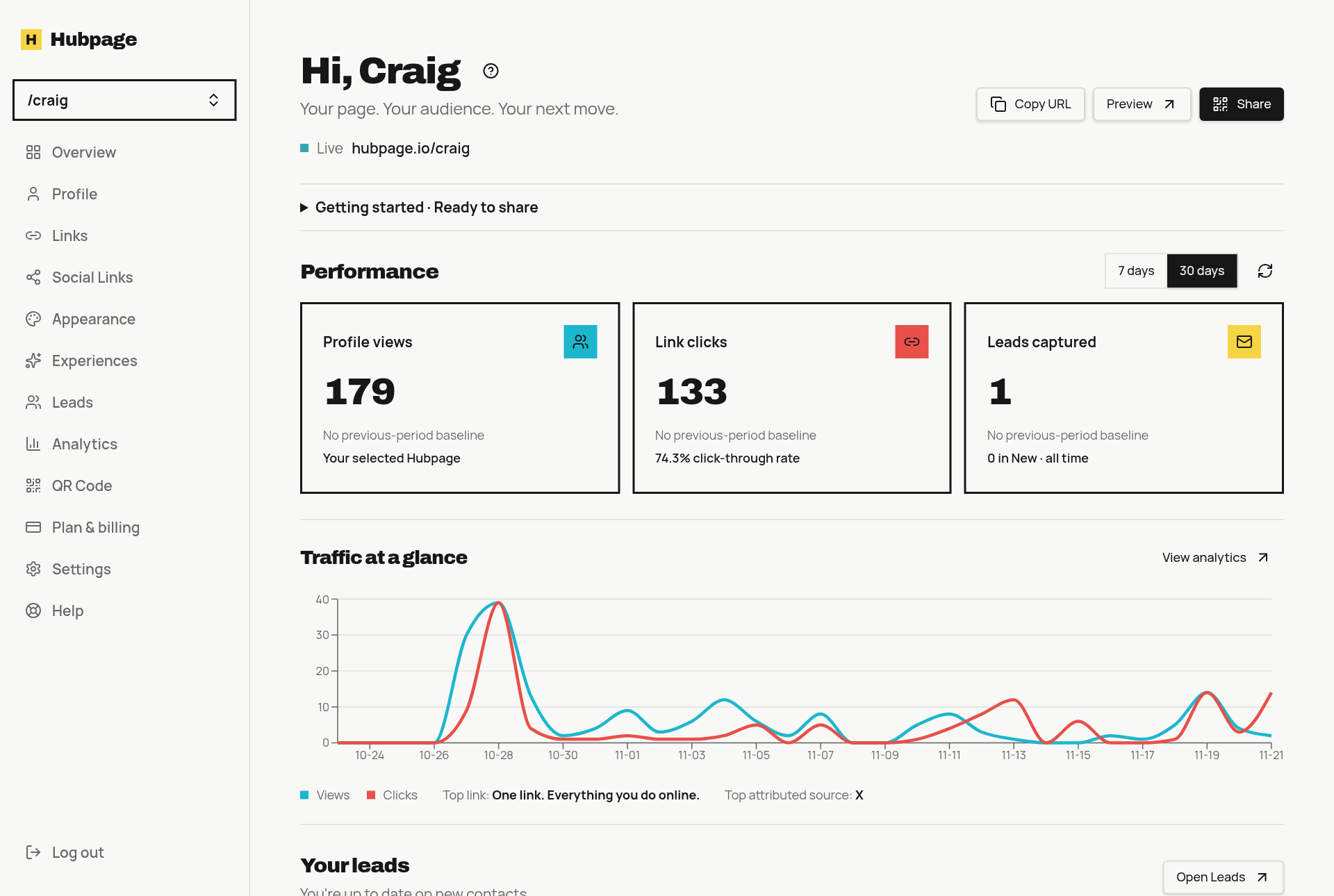
Where: Overview
Work through Getting started
The Getting started checklist on Overview walks you through the rest: set up your profile, add your links, connect your socials, pick your look, add experiences, and share your URL. Each item ticks itself off when it is done. Select Dismiss to hide it; bring it back from Settings.
Where: Overview → Getting started
Next
Set up your profile so visitors know who you are.
Was this page helpful?