Marketing & Distribution
How to Turn Your Link in Bio Into a Business Hub
Build a clear path from social attention to audience signups, useful conversations, and your next offer.
By Hubpage Editorial Team · November 1, 2026 · 6 min read
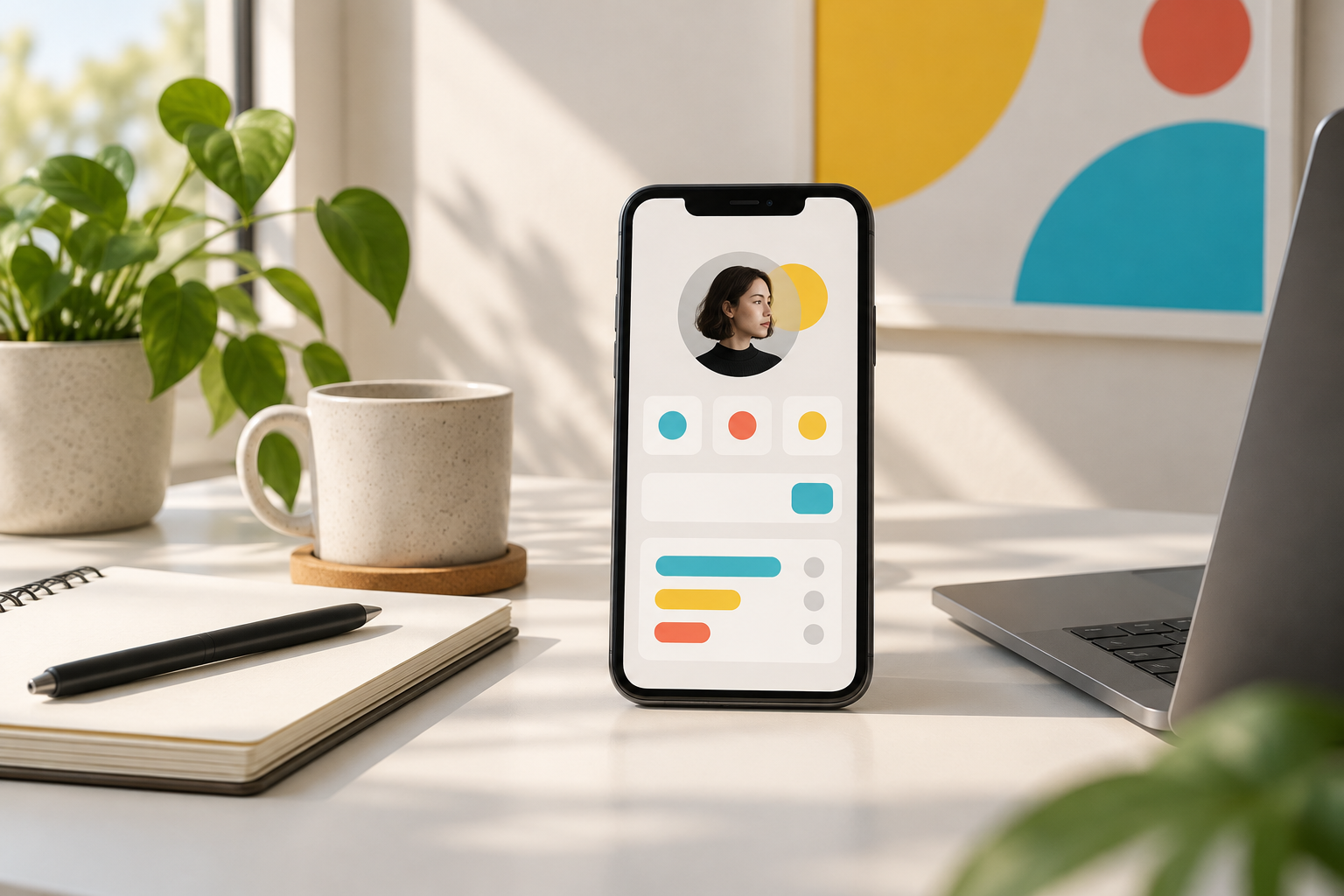
Someone reads your post, likes what you have to say, and taps the link in your profile. That moment is small, but valuable: you have earned enough interest for them to take another step.
What happens next? Too often, they land on twelve equally prominent buttons: an old podcast appearance, three social profiles, a newsletter, a service page, and something labeled “New!” that stopped being new last year.
A better link in bio works as a business hub. It explains what you do, gives visitors a sensible next step, and connects the pieces of your business without making people figure out the structure themselves.
What makes a link page a business hub?
A link collection answers, “Where else can you find me?” A business hub answers, “How can I help you, and what should you do next?”
That distinction matters whether you sell consulting, publish educational content, build digital products, or are still exploring an offer. Your hub should support three jobs:
- Orient: Tell people who you help and what they can find here.
- Direct: Make the most useful next action easy to spot.
- Connect: Offer a way to stay in touch beyond a social feed.
It does not need to replace your website, email platform, booking software, or checkout. Think of it as a small front desk that sends people to the right place.
1. Pick one primary business goal
Before changing your layout, finish this sentence: “For the next month, the main job of this page is to help visitors ______.”
Choose something concrete: join your audience, book an introductory call, explore your core service, or join a product waitlist. “Learn more about me” is usually too vague to guide a useful page.
Match the goal to your current stage
- Exploring an idea: Ask visitors about their biggest problem through a poll or quiz.
- Building an audience: Prioritize a signup with a clear reason to subscribe.
- Selling a service: Lead with your service details or inquiry page.
- Launching a product: Point to a focused product page or external checkout.
You can still include secondary options. Just avoid giving every option the same weight. A visitor should not have to read your entire page to understand its purpose.
2. Write an introduction that does some work
Your name and job title are useful, but they rarely explain why someone should stick around. Add one plain-language sentence that connects your expertise to a specific audience or problem.
Instead of “Founder. Designer. Coffee enthusiast,” try: “I help independent consultants turn complicated services into clear, credible websites.”
A digital product builder might use: “Practical budgeting templates for freelancers with unpredictable income.” That gives visitors enough context to judge the links below.
Keep the personality, but make the purpose clear first. Your profile photo, colors, and tone should also feel consistent with the account people just came from. They should know they landed in the right place.
3. Build around a simple visitor journey
A useful starting layout is an introduction, one primary action, a signup opportunity, and a few supporting destinations. If signup is your main goal, combine those two sections rather than repeating yourself.
Here is a realistic example for a freelance brand strategist:
- Introduction: “Brand positioning for independent consultants.”
- Primary action: “Explore a positioning workshop.”
- Audience signup: “Get one practical positioning tip each month.”
- Proof: “See a consultant website before and after.”
- Helpful content: “Read the guide to explaining your offer.”
- Contact: “Ask about a project.”
Each item has a distinct job. There is no need to add every article, interview, or social account. If a link does not help visitors understand, trust, or work with you, question whether it belongs.
For layout inspiration, browse these link-in-bio examples and notice how quickly you can identify the intended next step.
4. Give people a reason to stay connected
Not everyone who visits is ready to hire or buy. An audience signup gives interested people an alternative to leaving and hoping they see your next post.
“Join my newsletter” describes the mechanism. A stronger invitation describes the value and sets expectations: “Get a short monthly email with pricing examples for freelance designers.”
Make the promise something you can sustain. If you cannot reliably publish every week, do not promise a weekly newsletter. A straightforward launch-update signup is better than an ambitious commitment you abandon.
Separate collecting signups from sending emails
Hubpage brings links, audience signup, and interactive quizzes or polls together on one page. Email campaigns and CRM automation are not available today, so plan your follow-up workflow separately.
Before collecting addresses, check how you will access and manage signups, what your email provider requires, and how you will honor consent and unsubscribe requests. Clearly explain what people are signing up to receive and provide relevant privacy information.
For a service business, the same thinking applies to inquiries. The Hubpage for professionals page offers more context on using a personal hub for lead capture.
5. Use interaction to learn something useful
A short poll or quiz can help visitors engage while giving you direction for future content or offers. The key is asking a question whose answer you can actually use.
A creator teaching product development could ask: “Where does your project usually stall?” Options might include choosing an idea, validating demand, building, and finding customers.
Those answers can inform your next article or workshop. They are feedback from the people who responded, not a representative market study or proof that anyone will buy.
Keep the interaction short and connected to your work. Avoid collecting sensitive information you do not need, and do not turn a simple question into an unnecessary obstacle before someone can reach your content.
6. Connect your tools without pretending one page does everything
Your hub can direct visitors to a booking service, portfolio, publication, course platform, or checkout hosted elsewhere. The experience should feel connected even when the underlying tools are separate.
Use descriptive labels. “Book a 20-minute project fit call” is more informative than “Let's talk.” “View the freelance budget template — $19” gives more context than “Shop.” Only include a price when you can keep it current.
Hubpage is a personal distribution hub, not currently a product-selling platform. Products and a launch kit are planned for later; build your present workflow around available features and external destinations where needed.
If you are choosing a platform, compare link-in-bio tools for creators against the tasks you need now, rather than a long list of features you may never use.
7. Measure the path, then maintain it
Choose a small set of measures tied to your goal: page visits, clicks on the main destination, completed signups, or qualified inquiries. Use whatever reporting your hub and destination tools actually provide.
Keep the distinctions clear. A booking-link click is not a booked call. A checkout visit is not a purchase. Where supported, campaign-tagged URLs can help identify traffic sources, but test that those tags survive the journey.
If visitors click but do not complete the action, inspect the destination. It might load poorly on mobile, ask for too much information, or make a different promise from your link.
A monthly maintenance checklist
- Open the page on your phone and test every link.
- Complete the signup or inquiry process yourself.
- Remove expired promotions and outdated prices.
- Check whether the main action still matches your priority.
- Change one meaningful thing at a time so results are easier to interpret.
Your business hub is working when a new visitor can quickly understand what you offer, choose a relevant next step, and follow through without confusion. Start with that standard. Add more only when it makes the journey better.