Website & Online Presence
How to Build a Digital Home for Your Personal Brand
Create one clear destination that explains your work, earns trust, and gives people a reason to stay connected.
By Hubpage Editorial Team · November 1, 2026 · 6 min read

Someone discovers you through a useful post, a podcast appearance, or a recommendation from a friend. They click your profile, follow a link, and land… where?
If the answer is an outdated portfolio or a long list of unexplained links, you’re making an interested person do unnecessary work. They shouldn’t have to piece together what you do from five different platforms.
A digital home for your personal brand solves that problem. It gives people one dependable place to understand your work, see evidence of it, and decide what to do next. You don’t need a complicated website. You need a destination with a clear job.
What a digital home actually needs to do
Your social profiles help people discover you and interact with you. Your digital home connects those scattered encounters into a coherent picture.
Think of it as the front door to your work. Whether you’re a freelance designer, a founder, or a creator building a digital product, that front door should answer four questions:
- Who are you? Give visitors a name, a recognizable identity, and some context.
- What do you help people do? Explain your work in language your intended audience understands.
- Why should someone trust you? Show relevant work, experience, or results.
- What happens next? Offer one obvious action, with a few supporting options.
A focused one-page site can answer all four. More pages only help when they make something easier to find or understand.
Start with the visitor, not the template
Before choosing colors or layouts, decide who the page is mainly for. “Anyone interested in my work” is too broad to guide useful decisions.
Choose a primary audience and the reason they’re likely to visit. A freelance developer might prioritize founders looking for help shipping a first product. A cooking creator might prioritize home cooks who want reliable weeknight recipes.
Write a plain-language positioning statement
Use this as a starting point: “I help [specific people] achieve [useful outcome] through [your work or approach].” Then edit it until it sounds like something you would actually say.
For example: “I’m Maya, a product designer helping small software teams make complicated workflows easier to use.” That tells a prospective client more than “Designer. Thinker. Problem solver.”
Under that introduction, add one sentence explaining what visitors can find: “Explore selected projects, read my design notes, or ask about a project.” You’ve now given the page a useful brief.
Choose the smallest setup that does the job
Your first version could be a dedicated personal website or a hosted one-page hub. Choose based on what you need to publish and maintain, not what looks most impressive in a feature comparison.
- A hosted hub: Useful when you mainly need an introduction, selected links, audience signup, and a quick way to publish updates.
- A portfolio site: Better when detailed case studies, visual work, or service pages carry most of your message.
- A publishing-focused website: Worth considering when a searchable library of articles or resources is central to your business.
If your needs are lightweight, a guide to link-in-bio tools for creators can help you compare that category without starting a full website project.
Hubpage fits the hosted-hub approach: one page for your links, audience signup, and interactive quizzes or polls. Email campaigns, CRM automation, product selling, and a launch kit aren’t available today. If those are immediate requirements, plan for separate tools rather than assuming your hub will handle them.
Keep control where you can
A domain you register yourself can give you a stable address even if your website platform changes. Check whether your chosen setup supports custom domains or whether you’ll need a redirect.
Also check how you can export your content and subscriber information. Keep copies of your bio, images, and important page copy somewhere you control. A hosted page is convenient, but convenience isn’t the same as portability.
Build the page in a deliberate order
Don’t treat every link as equally important. The order of your page should reflect what visitors need to know before taking action.
1. Introduce yourself clearly
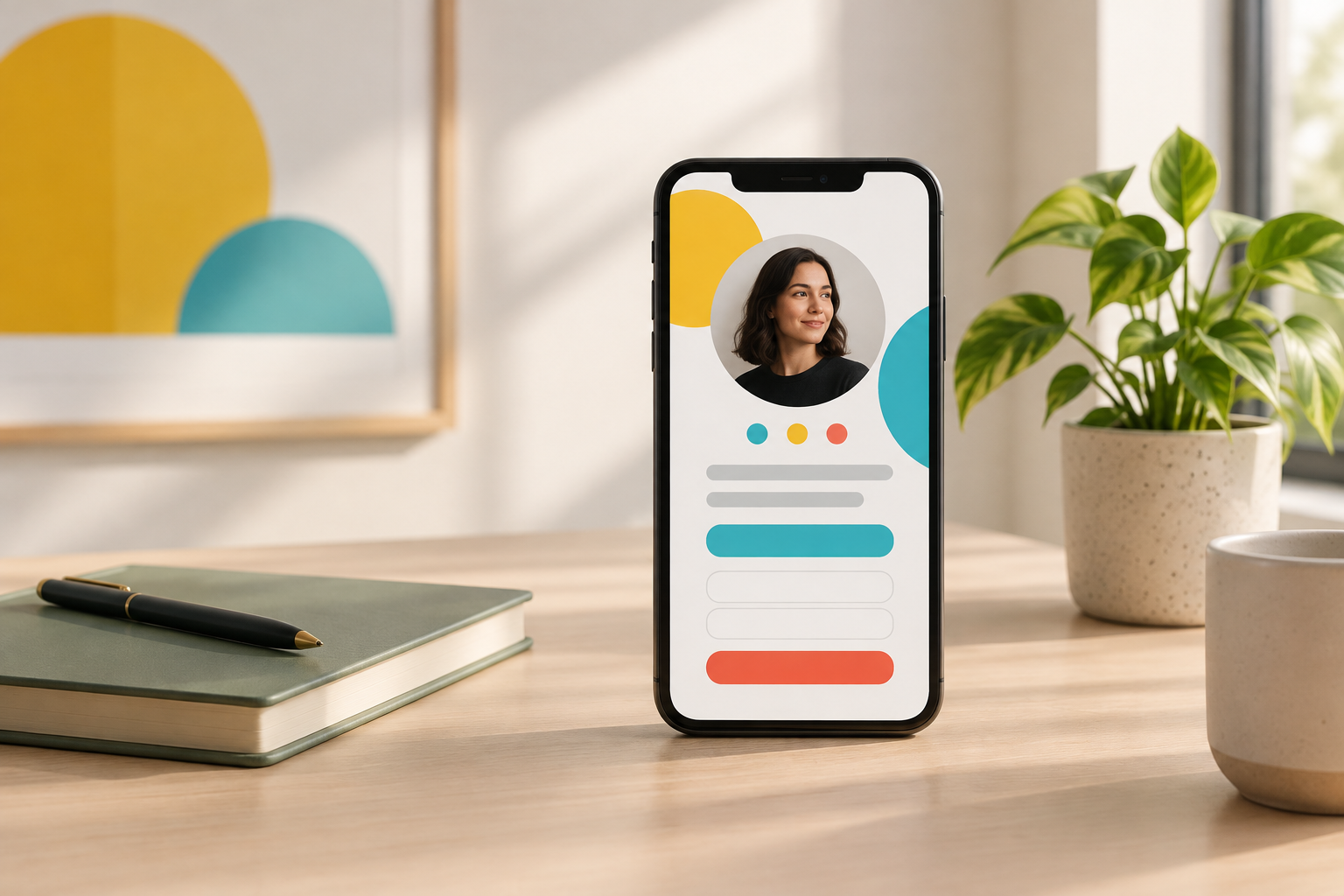
Lead with your name, a recognizable photo or appropriate visual, and your positioning statement. Keep the opening short enough to understand on a phone without scrolling through a biography.
2. Make the main action obvious
Pick the action that best supports your current goal. That might be viewing your portfolio, requesting a consultation, joining an updates list, or exploring a resource.
Use descriptive labels. “View my product design projects” gives people more information than “Explore.” If you’re sending visitors to an external booking or checkout service, make the destination clear.
3. Show relevant proof
Add two or three pieces of evidence: a strong project, a useful tutorial, a client testimonial used with permission, or a clear explanation of something you built.
Context matters. “Website redesign” says little. “Simplified the booking flow for a local repair business” helps a visitor understand the work. Include measured results only when you can substantiate them.
4. Add supporting destinations
Finish with the links that serve secondary needs: your writing, professional profile, contact method, or a current project. You can use link-in-bio examples to compare ways of organizing these sections without copying someone else’s entire page.
Give people a specific reason to stay connected
Not everyone is ready to hire you, buy something, or start a conversation. Audience signup gives interested visitors another option, but “Join my newsletter” isn’t much of a promise.
Describe what someone will receive and how often, if you know. For example: “Get one practical product teardown each month” or “Sign up for updates as I build my freelance pricing workbook.”
Only promise a schedule you can maintain. If you’re collecting interest before launching a newsletter, say that plainly rather than implying regular emails already exist.
Make the signup purpose clear, provide appropriate privacy information, and use a suitable email tool when you’re ready to send messages and manage unsubscribes. Capturing a signup and running an email program are separate jobs.
Make the experience work on a phone
A page that looks polished on your laptop can still be frustrating on a small screen. Open the published version on your phone and test it as a first-time visitor.
- Can you understand the introduction without zooming?
- Is the main action easy to spot and tap?
- Do images load without leaving large empty gaps?
- Is text readable against the background?
- Do links and signup forms work as expected?
Use descriptive links, meaningful image alt text, and clear headings. Where the platform allows it, also check keyboard navigation and visible focus indicators. Accessibility is part of making the page usable, not a finishing decoration.
Connect your channels and keep the page current
Once the page works, make it your consistent destination across social bios, your email signature, speaker profiles, and relevant author pages. Use a recognizable name, photo, and description so visitors know they’ve found the right person.
If you’re starting from scratch, you can create your free Hubpage and assemble the essential sections before adding more destinations.
Set a monthly reminder to check links, remove expired offers, and update your featured work. If analytics are available, look at whether people take your intended action—not just how many arrive. A page attracting potential clients needs a different measure of success from one collecting interest in a future product.
Your digital home doesn’t need to represent everything you’ve ever done. It needs to make your current work understandable and your next step easy to find. Start there, then let real visitor questions guide what you add.